Menus
Keep the menu in step with service
Create menu categories and change item availability through conversation. When something is off the menu, ask Symba to prepare the update for your review.
Example request“Mark desserts unavailable.”
SYMBA · YOUR AI ASSISTANT IN SYMPHOSERVE
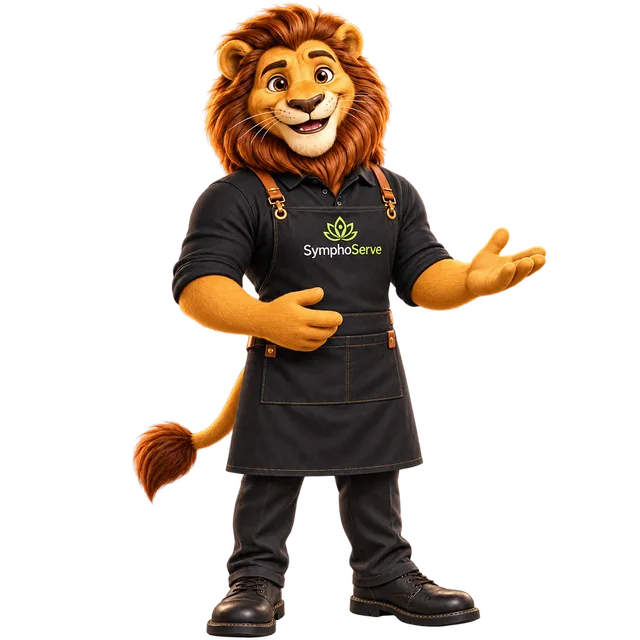
A familiar face. A practical helping hand. Meet the assistant that belongs in your restaurant’s working day.
From a change on the menu to a request on the floor, Symba helps your team work through supported tasks in conversation. Tell Symba what you need, review the details, and confirm the action.
Available as an optional module within SymphoServe.
Where I can lend a hand
Symba works with supported operations in your restaurant’s SymphoServe setup. Here’s where the conversation can take you.
Menus
Create menu categories and change item availability through conversation. When something is off the menu, ask Symba to prepare the update for your review.
Example request“Mark desserts unavailable.”
Tables
Open and close table sessions using the tables in your restaurant. Symba can ask for missing guest details before presenting a supported action.
Example request“Open a session on the patio table.”
Orders
Update an existing order to preparing, ready, or served. Give Symba the order reference and the status you want to change, then review the proposed action.
Example request“Mark this order ready.”
Procurement
Create procurement requests with an item, quantity, unit, and optional notes or priority. Keep the request connected to the purchasing workflow your team already uses.
Example request“Create a procurement request for milk.”
Bills
Request a bill for an active table session. Symba helps with the request; billing and payment recording remain part of the wider SymphoServe workflow.
Example request“Request the bill for the patio table.”
Service
Resolve a table’s waiter request once the team has attended to it. Keep service requests aligned with what has actually happened on the floor.
Example request“Resolve the waiter request for the patio table.”
From words to a working step
Choose an example to see how a request becomes something your team can review.

Illustrative workflow · no restaurant data
“Mark desserts unavailable.”
Symba identifies matching menu items and presents the availability changes for confirmation.
You stay involved. Review the matched items before applying the change.
Helpful by nature. Clear by design.
Supported changes are presented for confirmation, so your team can check what Symba is about to do.
Symba can request clarification when a table, item, or required detail needs to be identified.
Actions are checked against the user’s permissions. Symba’s assistance follows the access available to that team member.
Part of something connected
Symba sits alongside the restaurant ERP your team uses for orders, kitchen workflows, inventory, reporting, and outlet control.
The AI assistant focuses on the supported operational actions described here. The team will walk you through availability, configuration, and module scope for your venue during the demo.
Explore the connected platform →Make an introduction
Bring a workflow you use every day. Let’s explore it with Symba.
Book a Symba Demo →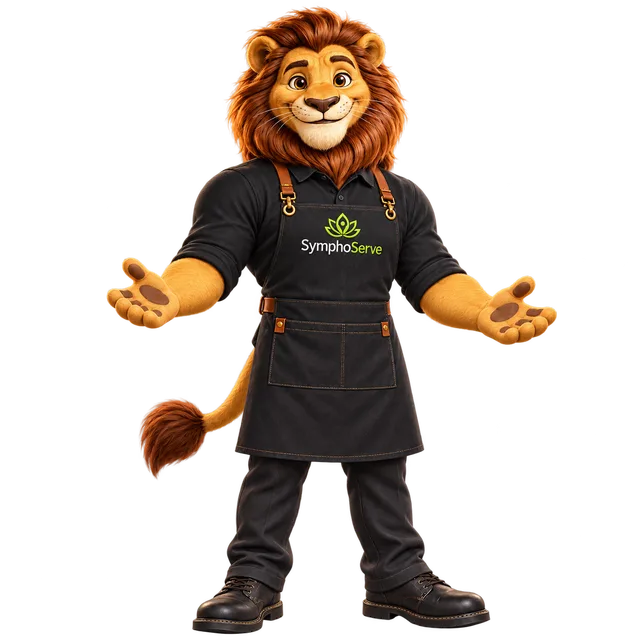
 Explore with Symba
Your website guide
Explore my supported workflows, see an example, and book a guided demo with the team.
This guide helps you explore the website. Symba’s AI capabilities are available within SymphoServe.